Email Outreach Workflow
Manage your full email outreach pipeline — from drafts to sent emails — with activity tracking.
The Outreach Hub
The Email Outreach section in the dashboard has several tabs:
- Email Outreach — contacts with found emails and AI compose.
- Compose — write and send new emails manually.
- Email Activities — log of all email activities.
- Connected Emails — manage your email accounts.
Email Activities
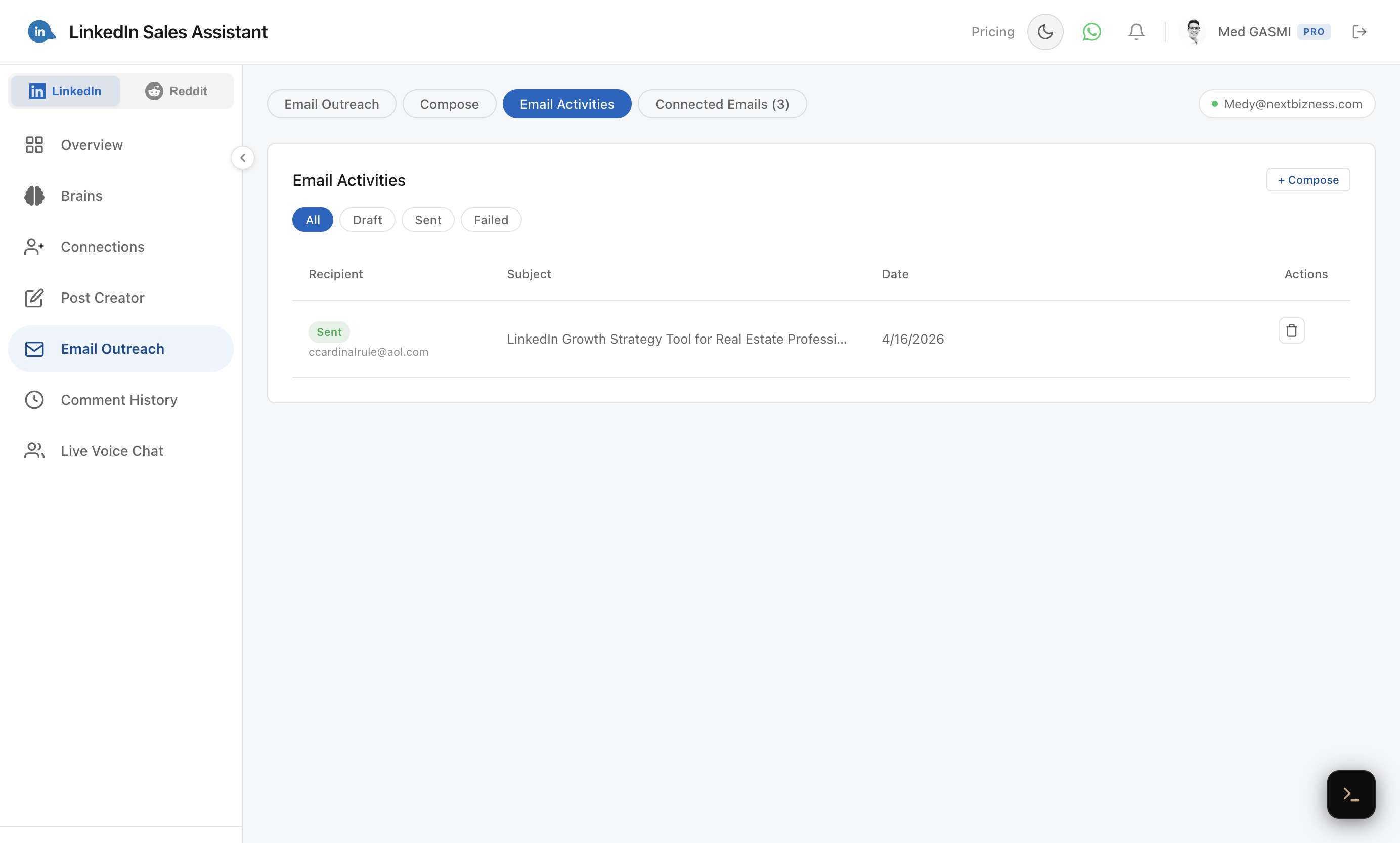
The Activities tab shows a chronological log of all your email activity with status filters: All, Draft, Sent, and Failed. Track when emails were composed, sent, and their delivery status.
Email Status Pipeline
- Draft — saved but not sent.
- Sending — currently being delivered.
- Sent — successfully delivered.
- Failed — delivery failed (with error details).
Recommended Workflow
- Comment on a prospect's post using Auto-Pilot.
- Connect with them via Smart Connect.
- Tag them in your connection manager.
- Enrich their email and compose a personalized message.
- Track the outreach status and follow up as needed.
This comment → connect → email pipeline is the most effective way to warm up leads before reaching out directly.